How to set up a business email: domain, provider choice and SPF, DKIM and DMARC
A business email guide for startups and small businesses: why use name@yourcompany.com, provider options compared, step-by-step setup, MX, SPF, DKIM and DMARC records, staying out of spam, shared addresses, security and how it differs from registered email (KEP).
By Editorial Team

Writing to an investor, enterprise customer or supplier from name@yourcompany.com builds far more trust than a free address. Business email also helps you avoid the spam folder, keeps data in the company when people leave and improves security.
Why business email?
Trust and lower fraud suspicion; your brand on every message; company-owned accounts; better deliverability with a properly configured domain; and role addresses like sales@ or support@.
1. Get a domain
Pick a short, easy-to-spell domain that matches your brand. See choosing a brand name and domain.
2. Choose a provider
| Option | Pros | Watch out for |
|---|---|---|
| Google Workspace | Gmail, Calendar, Drive, easy admin | Monthly per-user fee |
| Microsoft 365 | Outlook, Teams, Office apps | Monthly per-user fee, more settings |
| Email in a hosting plan | Low cost or included | Limited storage, filtering, support |
| Other providers | Affordable plans | Check integrations |
Compare users, storage, mobile apps, calendar and file sharing, admin ease and data location (relevant for KVKK). Prices change; check current pages.
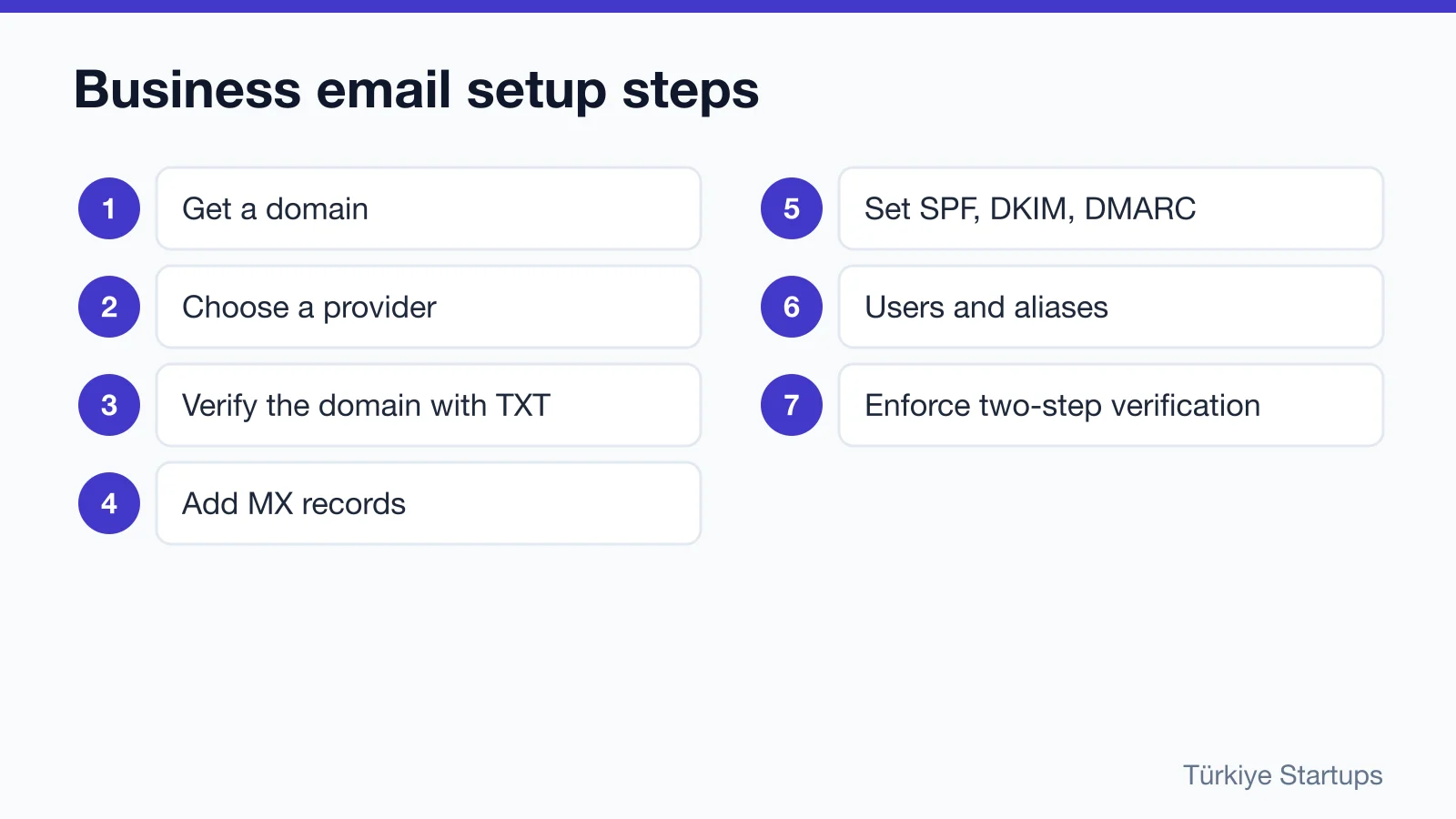
3. Verify the domain
Add the provider's TXT record in your DNS panel. Propagation can take minutes to hours.
4. Configure DNS
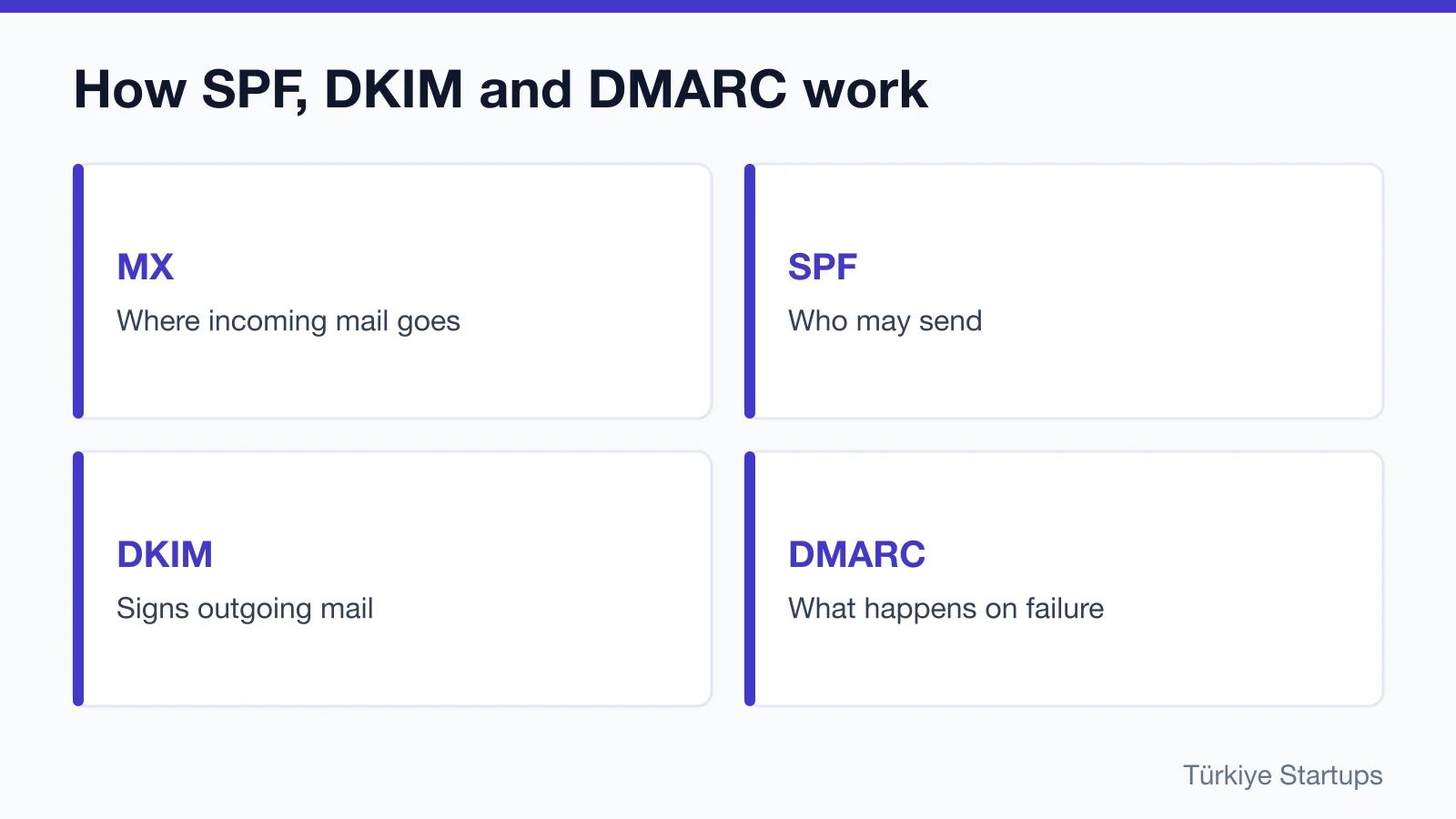
| Record | Purpose |
|---|---|
| MX | Where incoming mail is delivered |
| SPF (TXT) | Which servers may send on your behalf |
| DKIM (TXT) | Signs outgoing mail to prove it was not altered |
| DMARC (TXT) | What to do with mail failing SPF/DKIM and where reports go |
Keep one SPF record that includes every sending service; generate and enable DKIM; start DMARC at p=none, review reports, then move to quarantine or reject. Major mailbox providers now effectively require all three for bulk senders; see our email marketing guide.
5. Users and shared addresses
Use a consistent naming scheme; use groups or aliases for info@, support@ and billing@; tie critical accounts (domain, bank, accounting) to company addresses.
6. Security
Enforce two-step verification, separate the admin account, train the team against phishing (fake invoices, urgent transfers, password resets) and suspend leavers' accounts the same day. See cybersecurity basics.
7. Migrate old mail
Use provider migration tools to import old mail and contacts, and set forwarding plus an "our address has changed" reply on the old account.
Business email vs KEP
Registered Electronic Mail (KEP) is a separate Turkish system where sending and delivery are legally evidenced, used for formal notices. Business email is for daily communication. Ask your accountant whether you need a KEP address.
Common mistakes
Multiple SPF records; DKIM never enabled; one shared password for the team; no two-step verification; letting the domain expire, which stops email too.
Frequently asked questions
Can it be free? Some hosting plans include email, but the domain always costs money and advanced features are paid.
What is an MX record? The DNS record that says where incoming mail goes.
Why does my mail land in spam? Usually missing SPF, DKIM or DMARC, a new domain's low reputation or spammy content.
Google Workspace or Microsoft 365? Choose by the tools your team knows; both are strong.
Is DMARC mandatory? Not legally, but large providers expect it for bulk mail and it fights spoofing.
Is KEP the same? No; KEP is for legally evidenced formal correspondence.
Conclusion
Get a domain, choose a provider, set MX, SPF, DKIM and DMARC correctly and enforce two-step verification. Then add your startup to Türkiye Startups.
This guide is for general information only and is not legal, financial or investment advice. Check official sources and consult professionals for current terms.