How to set up Google Analytics 4: key events, e-commerce tracking and reports
A Google Analytics 4 (GA4) guide for startups and small businesses: creating an account, property and data stream, adding the tag, enhanced measurement, key events (conversions), e-commerce tracking, UTM parameters, core reports, Search Console and Google Ads links, and consent requirements.
By Editorial Team
Marketing without knowing how many people visit your site, where they come from, what they read and how many become customers is like driving in the dark. Google Analytics 4 (GA4) is Google's free web and app analytics tool. This guide walks through setting it up from scratch, defining key events, e-commerce tracking and consent requirements.
What is GA4?
GA4 measures interactions as events: page views, clicks, form submissions and purchases are all events. It can combine web and app data in one property and offers privacy-oriented measurement and predictive features. Universal Analytics no longer processes data, so all new setups use GA4.
Setup step by step
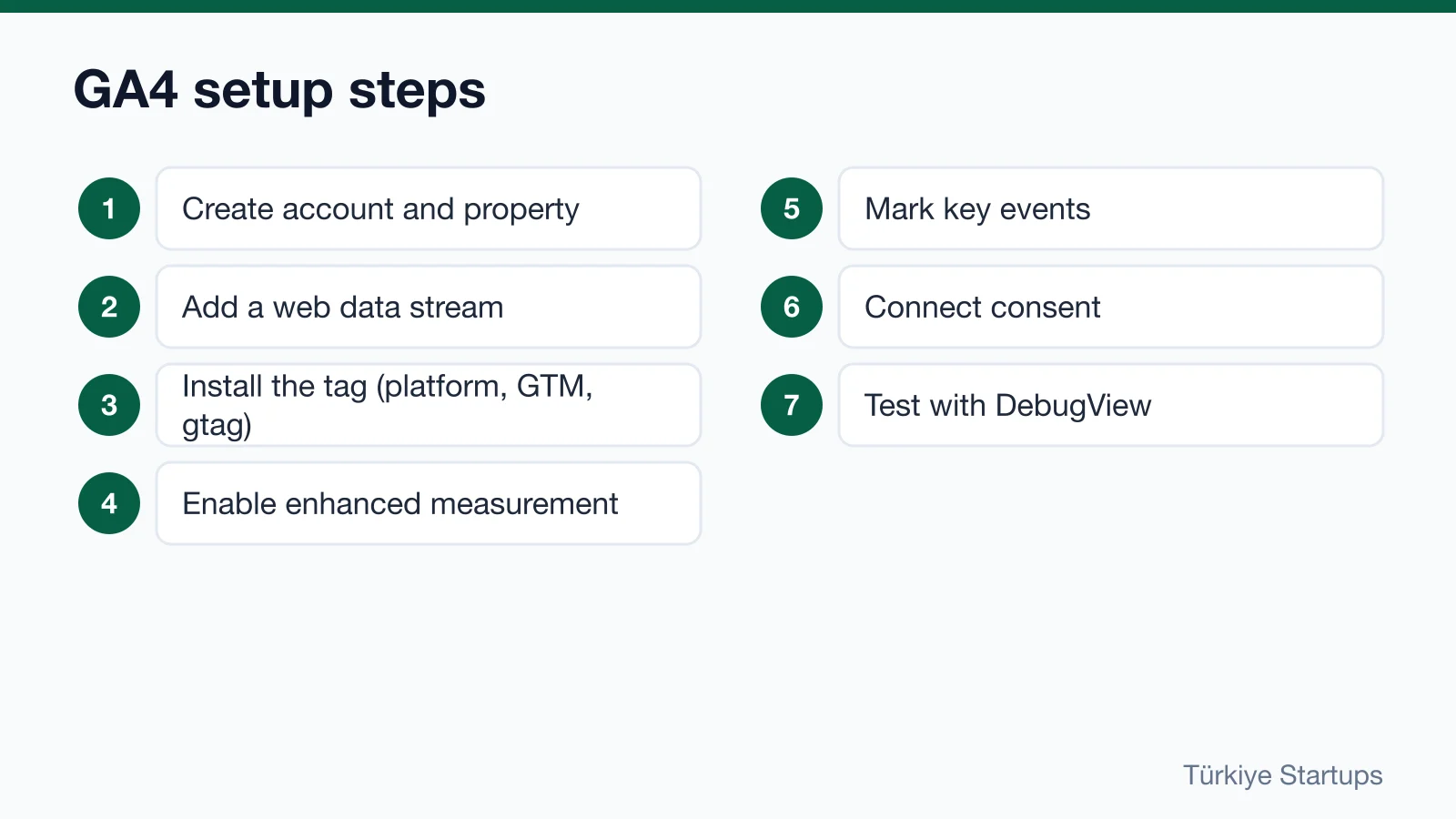
- Create an account and property: sign in with a business Google account, create an account (usually the company name) and a property with reporting time zone and currency.
- Add a web data stream with your site URL to get a measurement ID (starting with G-).
- Install the tag:
| Method | For whom |
|---|---|
| Platform integration | Hosted e-commerce or site builders: paste the measurement ID |
| Google Tag Manager | Managing several tags and custom events; recommended |
| gtag.js code | Custom-coded sites: add the snippet to every page head |
- Enable enhanced measurement for scrolls, outbound clicks, site search, video and file downloads without code.
- Test with the Realtime report and DebugView.
Key events (conversions)
Mark the events that matter as key events (formerly conversions): purchases for e-commerce; contact forms, phone and WhatsApp clicks for service businesses (see selling with WhatsApp Business); sign-ups, trials and upgrades for SaaS; newsletter sign-ups for content sites. Custom events may need GTM or code.
E-commerce tracking
| Event | When |
|---|---|
| view_item | Product page viewed |
| add_to_cart | Added to cart |
| begin_checkout | Checkout started |
| purchase | Purchase completed, with value, currency and items |
Set up correctly, you see which products, channels and campaigns drive sales; most e-commerce platforms send these via integrations. See what is a sales funnel.
UTM parameters
Tag newsletter, social, influencer and ad links with utm_source (instagram, newsletter), utm_medium (social, email, cpc) and utm_campaign (november_sale), e.g. `yoursite.com/product?utm_source=instagram&utm_medium=social&utm_campaign=november_sale`. Without UTMs these visits disappear into "direct" or unclear sources.
Core reports
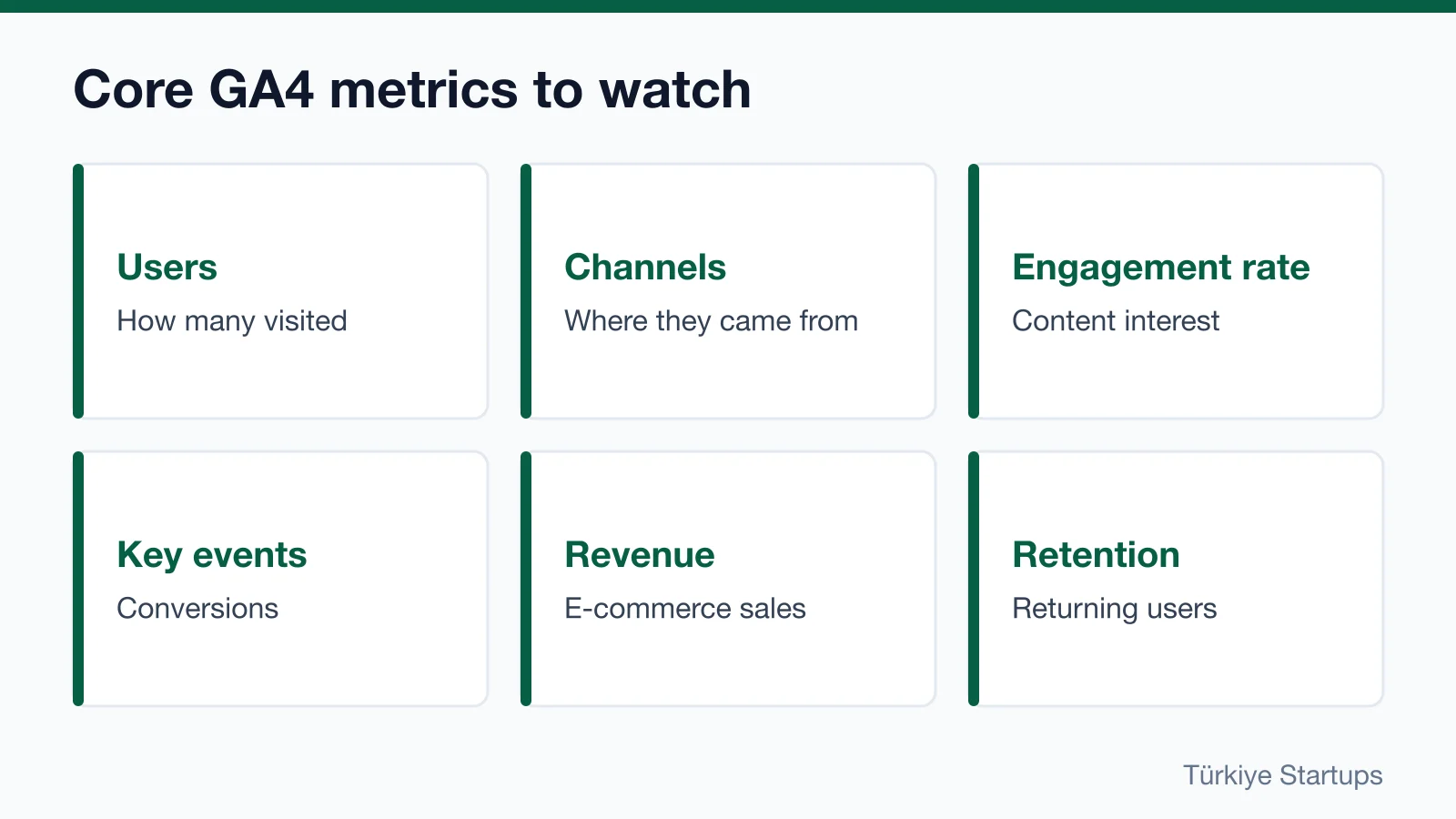
Acquisition (channels), Engagement (pages and events), Monetisation (sales and revenue), Retention and Explorations for funnels, paths and segments.
Links and settings
Link Search Console to see search queries (see SEO basics); link Google Ads for conversions and audiences (see Google Ads); extend data retention from the short default; filter internal traffic; and add payment provider domains to unwanted referrals so sales are not credited to them.
Privacy and consent
Analytics cookies process personal data and may require explicit consent under Türkiye's KVKK, and GDPR applies to European visitors. Use a cookie consent banner, do not load analytics before consent, pass consent state to GA4 with Consent Mode, and disclose Google Analytics in your privacy and cookie policies. See our KVKK guide and KVKK compliance checklist.
Common mistakes
Installing the tag twice; no key events; no UTMs; not excluding payment provider referrals; default data retention; running analytics without consent; never acting on the data.
Frequently asked questions
Is GA4 free? Standard GA4 is free; a paid version exists for large organisations.
Where does the code go? Paste the measurement ID into your platform, add the snippet to every page head, or use Tag Manager.
How do I set conversions? Mark the event as a key event; create custom events with GTM or code.
Why does GA4 differ from ad dashboards? Different measurement, attribution, consent and ad blockers; focus on trends.
How do I know it works? You should see your own visit and events in Realtime and DebugView.
Can I use GA4 without consent? Consent is recommended under KVKK and GDPR; Consent Mode handles non-consenting visitors in a limited way.
Conclusion
GA4 is a free, powerful way to base marketing decisions on data. Install it correctly, define key events, add e-commerce and UTM tracking, manage consent and review reports regularly. To optimise ads, see how to run Meta ads.
This guide is for general information only and is not legal, financial or investment advice. Check official sources and consult professionals for current terms.